













 Shopping guides
 Help
 Log in

Tips for ergonomics at office work
Ergonomics must adapt to each person
First of all, we must understand that people are different and have a different way of sitting. Not everyone adopts the same posture when working, studying or spending several hours in front of the computer.
Article index
We come across people who tend to hunch their back when sitting, others who maintain an overly rigid posture and others who have a flatter back. That is why, before talking about a correct posture, it is worth being clear that ergonomics does not consist of forcing the body, but of adapting the workstation to each user.
Aspects such as weight, build, height or the type of working day affect our position when we are seated. For this reason, it is very important that ergonomic chairs are adjustable so that they can adapt to the natural posture of each person.
As we are not all the same, a chair that is comfortable for one user may not be so for another. This is one of the reasons why at Officechair365 we always recommend choosing 24-hour office chairs that are adjustable, sturdy and as ergonomic as possible, especially when they are going to be used for many hours a day.
In addition, to better understand why these adjustments are so important, we recommend reading our guide on what ergonomics is at work, where we explain how it influences health, comfort and daily performance.

Working life has changed a great deal in recent decades, so habits have also evolved. Many people who work in offices, studies or from home spend much of their working day seated in front of a screen.
Taking care of our body does not only consist of leading a healthy life. Other factors also have an influence, such as having a good chair, adjusting the seat correctly, positioning the screen well and making appropriate use of the work space.
How to sit correctly
Sitting correctly does not mean remaining rigid for hours, but adopting a comfortable, stable posture that is easy to maintain. The chair should help you to support your back well, place your feet on the floor and work without straining your shoulders, neck or wrists.
-
Occupy the entire surface of the seat. Only in this way will you be able to support your back correctly against the backrest and you will avoid sitting on the edge of the chair.
-
Adjust the height of the backrest so that the lumbar support fits correctly to the natural curve of the spine.
-
Adjust the height of the seat until your arms rest parallel on the desk and form a right angle with the elbow. Your feet should be in contact with the floor and your knees should form an angle of approximately 90 degrees.
-
Keep your back firmly supported against the backrest. It is advisable to leave a gap of about three fingers between the edge of the chair and the back of the thighs so as not to hinder circulation.
If you want to go deeper into this point, you can also consult our specific guide on how to sit correctly at work, where we explain in more detail how to adjust the chair and organise the workstation.

Tips for ergonomics: how to avoid injuries
Faced with the situation of having to spend many hours seated in front of the computer, it is necessary to move from time to time and stretch the muscles to prevent discomfort. The ideal is to stand up, walk for a few minutes and do gentle stretches of the head, neck, shoulders, legs and back.
These small breaks help to improve blood circulation, reduce muscle tension and prevent the body from remaining in the same position for too long. In addition, they can contribute to reducing the feeling of tiredness, stress and stiffness accumulated during the working day.
It is also advisable to sit in a dynamic way. That is, to use a chair or armchair that allows you to change your posture slightly: upright, tilted or reclined. In this way we avoid always maintaining the same pressure on the back and we favour a more natural posture.

Another important point is to place the computer screen in front of the user to avoid having to twist the neck while working. It is recommended that the top of the monitor is roughly at eye level, so that you can look straight ahead without tilting your head down or raising your chin too much.
Of course, it is also advisable to have a chair that allows good cervical support. For this, chairs with a high backrest are especially useful or, if possible, models equipped with an adjustable headrest.

On the other hand, we must pay attention to the position of the legs. The feet should always be resting on the floor and the knees should form an angle of approximately 90 degrees to facilitate a stable and comfortable posture. For this, it is important that the chair is well levelled and that we have enough space under the desk to move our legs without obstacles.
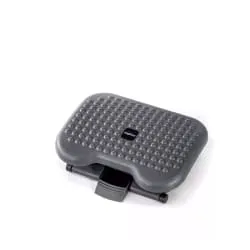
If you cannot reach the floor well, it may be advisable to use a footrest. This accessory helps to maintain a more balanced posture and prevents the legs from dangling or being under tension.
If we work with a mouse, its position should allow the forearm to rest on the desk and a natural movement of the hand. The mouse should be close to the keyboard so that you do not have to stretch your arm too much, as this can generate tension in the shoulder, wrist and neck.
Do not confuse health with ergonomics
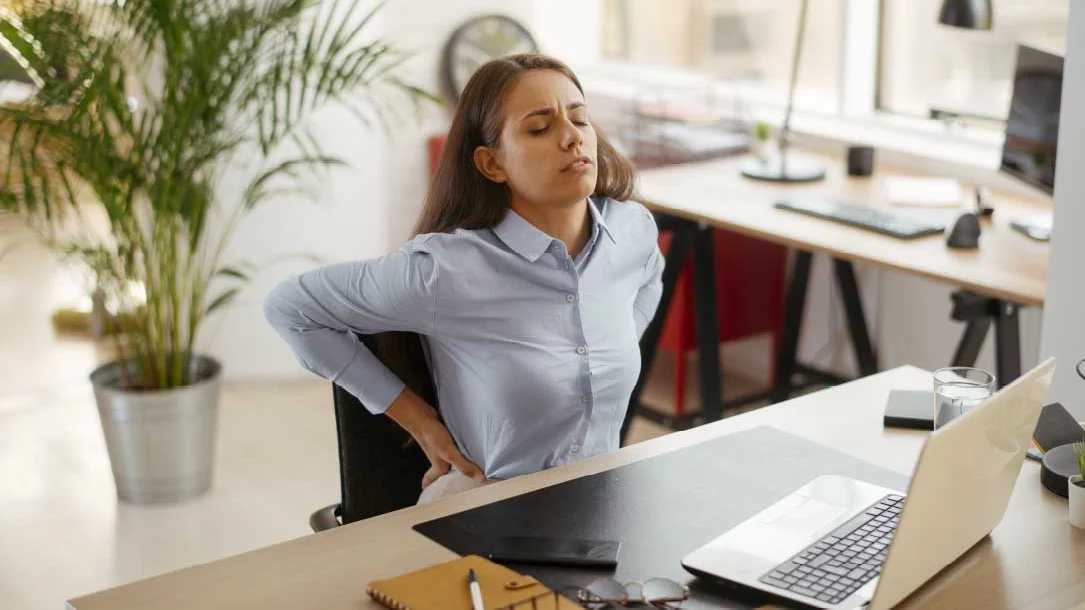
This is a mistake that some people make. If you have strong or persistent pain in your back, neck or joints, the most advisable thing is to go to a specialist. Not even the best chair in the world can replace a medical assessment when an injury or a significant discomfort already exists.
That said, if you spend many hours seated and what you are looking for is to prevent future ailments, certain models of ergonomic chairs can help you a lot. Even so, no chair works miracles: it is essential to take care of postural hygiene, take active breaks and adjust the workstation correctly.
Ergonomics should be understood as an aid to work better, not as a single solution. A good chair, a suitable desk, a well-positioned screen and healthy habits are all part of the same whole.
Other external aspects that influence ergonomics
There are other elements that influence the way we work, beyond the office chair or the workstation itself. We are talking, for example, about lighting, ambient noise, temperature or air quality.
Whenever possible, it is advisable to work with natural light and to avoid bright light sources that produce direct glare on the screen. It is also worth positioning the monitor so that it does not generate uncomfortable reflections and adjusting the brightness according to the light in the room.
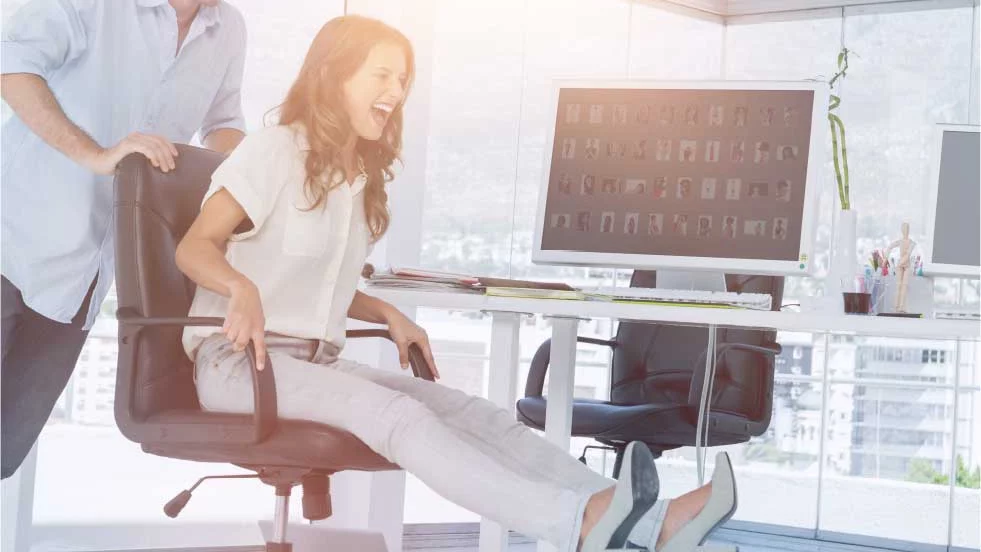
In addition, it is advisable to have sufficient mobility in front of the work desk. Being able to move the chair, stretch the legs and change position slightly helps to maintain a more comfortable posture during the working day.
Ambient noise, poor ventilation or an inadequate temperature can also affect performance and wellbeing. That is why an ergonomic work environment does not depend only on the chair: it is the sum of suitable furniture, correct posture, balanced lighting and healthy habits.


