

















 Shopping guides
 Help
Help
 Log in

Free Shipping|30-Day Returns
10% off the entire catalogue
Desk Cable Grommets
Keep cables organised and free up space with our desk cable grommets. Choose from round covers, built-in and pull-out models, powered desk units and vertical cable guides for organising cables around your desk.
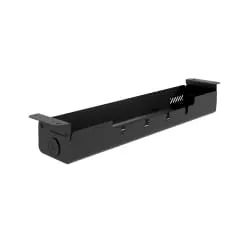
Complete your workstation with other desk accessories and use our cable trays to hold extension leads and connections beneath the desktop.
 All filters
20 products
How to choose desk cable grommets
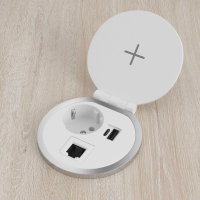
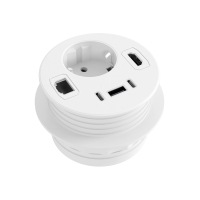
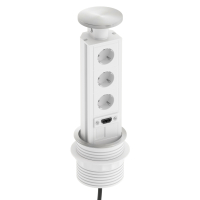
To choose the right models, consider how you want to route the cables and whether you only need to pass them through the desktop or also want connections within easy reach on the desk. Options range from simple cable grommet covers to powered desk units with different types of connection.
Round and built-in cable grommets
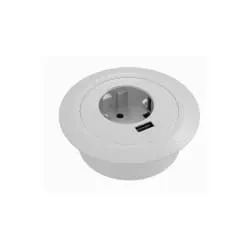
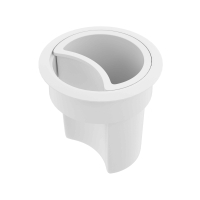
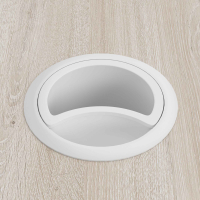
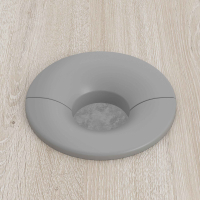
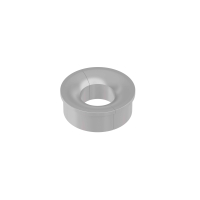
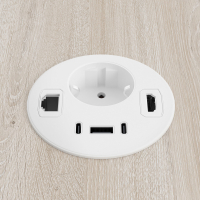
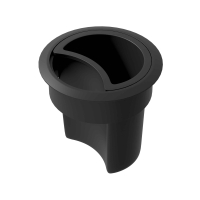
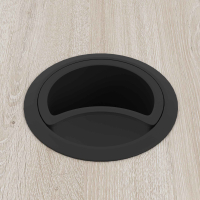
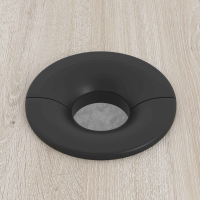
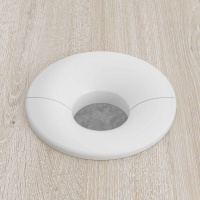
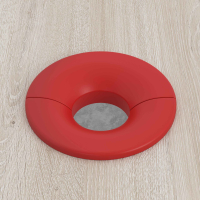
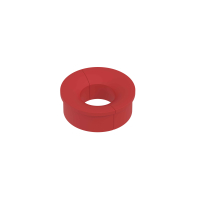
Round cable grommets fit into an opening in the desktop and route cables from the computer, monitor and other devices to the underside. They are a discreet way to keep the work surface tidy.
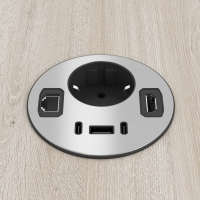
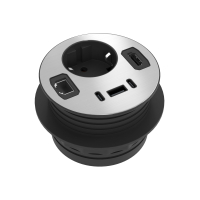
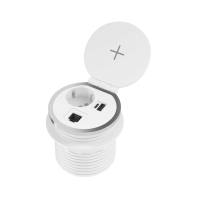
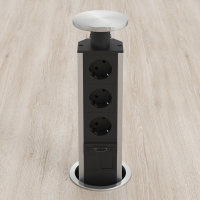
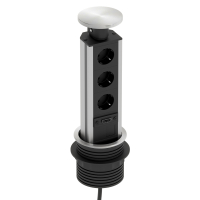
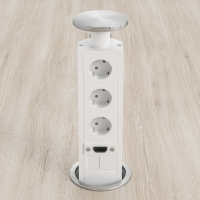
Built-in, flip-up or pull-out models provide a wider opening and make cables easier to access when several devices are in use. If you plan to install them in an existing desk, check the diameter or dimensions of the opening and its compatibility with the desktop.
Powered cable grommets and desktop units
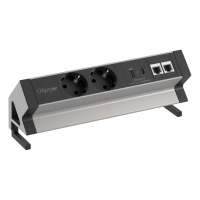
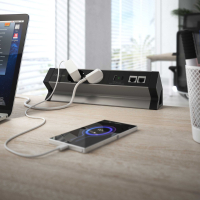
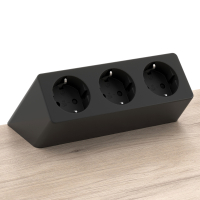
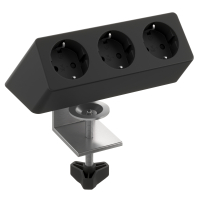
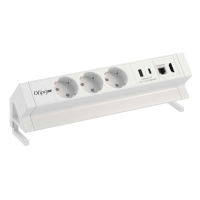
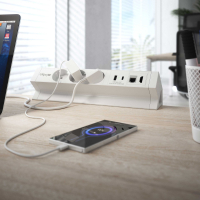
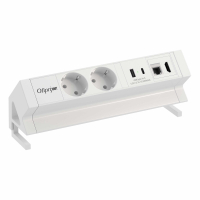
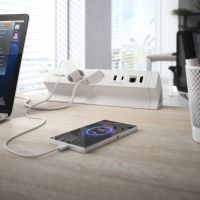
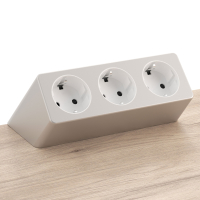
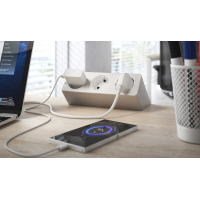
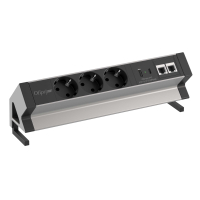
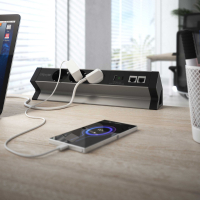
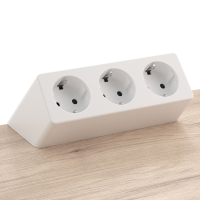
If you connect and disconnect devices frequently, powered cable grommets and desktop units keep the connections within reach without having to find the extension lead under the desk. Depending on the model, they may include power sockets, USB ports, HDMI connections or RJ45 network ports.
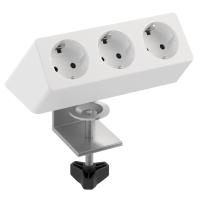
Before choosing, check the number and type of connections included, as well as the installation system. Some models fit into the desktop, while others sit on the desk or attach to one of its edges.
Vertical cable guides for routing cables to the floor
Vertical cable guides bundle the cables running from the desktop to the floor. They are particularly useful with height-adjustable desks, as they follow the movement of the desktop and keep the cables together during height adjustments.
What to check before buying
- Installation dimensions: check the diameter or dimensions of the required opening and make sure they are compatible with the desktop.
- Connection types: choose between conventional cable grommets and powered models with the sockets and ports you regularly use.
- Number of cables: make sure the opening is large enough for all the cables and their connectors to pass through without forcing them.
- Fixing system: decide whether you prefer built-in, pull-out or desktop models, or units attached to the edge of the desk.
- Finish: choose a colour and design that complement the desktop and the rest of the workstation.
How to organise all your desk cables
Desk cable grommets route cables from the work surface to the underside of the desk. For a neater installation, they can be combined with a tray beneath the desktop to hold extension leads, adapters and excess cable.
If you are renewing the entire workstation, explore our desks and choose a configuration suited to the available space and the equipment you use.