



















 Shopping guides
 Help
 Log in

Free Shipping|30-Day Returns
10% off the entire catalogue
Monitor Stands and Arms
Choose a monitor stand, monitor riser or monitor arm according to how you want to position your screen. A monitor riser sits on the desk and raises the screen, while a monitor arm or monitor mount attaches to the workstation and may allow height, tilt or rotation adjustments, depending on the model.
Our range includes monitor stands and arms for single- and dual-screen setups, including dual monitor stands and dual monitor arms. Before choosing, check the supported screen size and weight, the available adjustment range and the mounting system. VESA compatibility is particularly important for monitor arms and mounts, but does not normally apply to a freestanding desk monitor stand.
Also check the available surface area and the thickness of the tabletop if the support uses a clamp or grommet fixing. Combine it with a suitable desk to create a practical, well-organised workstation.
 All filters
15 products
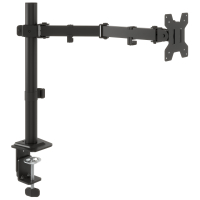
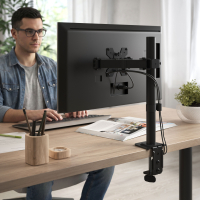
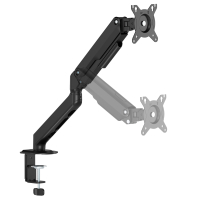
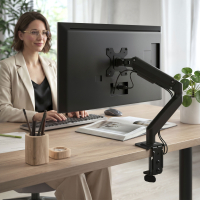
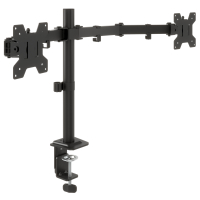
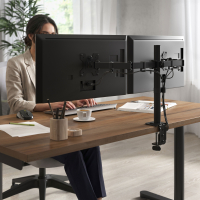
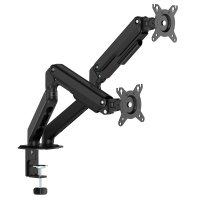
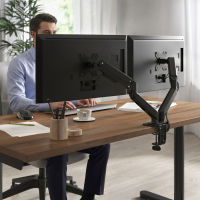
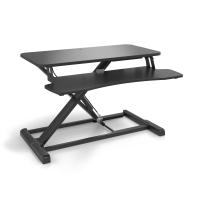
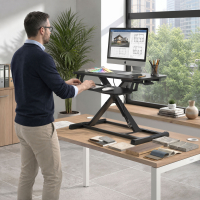
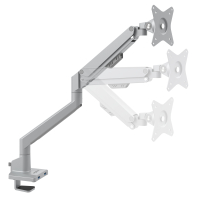
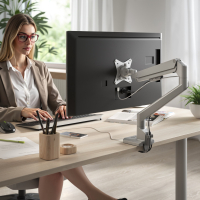
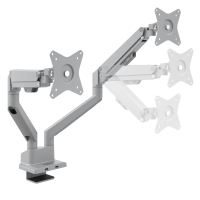
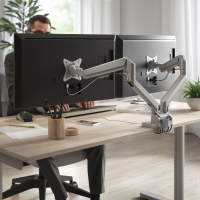
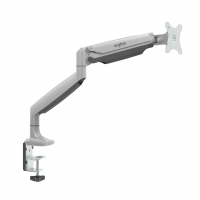
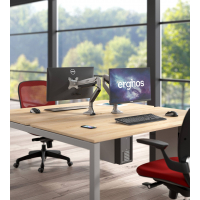
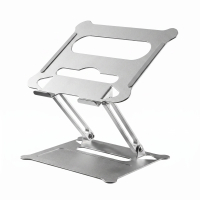
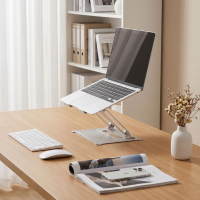
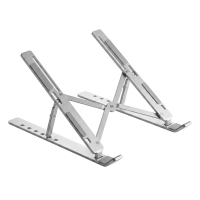
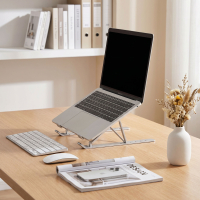
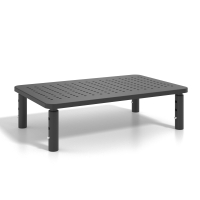
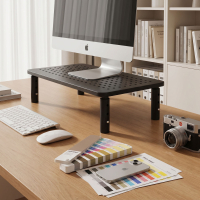
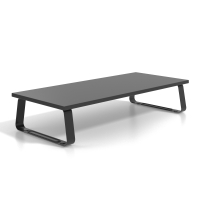
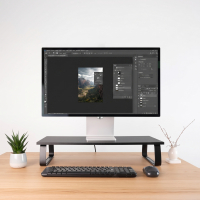
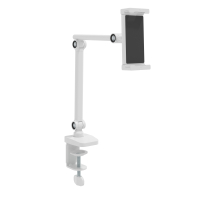
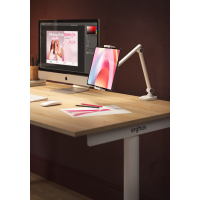
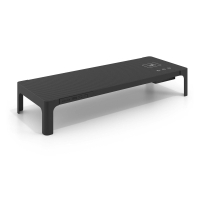
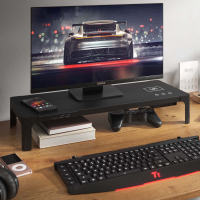
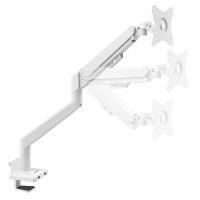
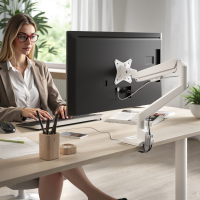
Buy monitor stands and arms for your desk
Monitor stands and arms help position your screen and make better use of the available desk space. Desktop monitor stands and risers raise the screen while it remains on its original base, whereas articulated monitor arms allow you to adjust its height, tilt, swivel and distance.
In this category you will find adjustable monitor stands, single and dual monitor arms, gas-spring models and options with USB connections or wireless charging. You can also explore our office furniture to complete and organise your workstation.
How to choose a monitor stand or arm
Before choosing, check the size and weight of your monitor, the available desk space and the type of adjustment you need. For monitor arms and mounts, you should also verify the mounting system, the supported VESA measurements and the maximum load.
If you prefer a desktop monitor stand or riser, check its width, depth, stability and available height settings. These models normally support the monitor on its original base and do not require a VESA mounting system.
VESA compatibility for monitor arms and mounts
Many monitor arms and mounts use standard VESA measurements, but this does not apply to every type of monitor stand. Before buying an arm, compare its supported VESA pattern, screen size and maximum weight with the specifications of your monitor.
Desktop stands and monitor risers generally support the screen on its existing base, so they do not usually need to be attached to the back of the monitor.
Monitor size, weight and desk compatibility
Each stand or arm is designed for a specific range of screen sizes and weights. Do not exceed the stated maximum load, as this could affect stability and movement. If the arm attaches with a desk clamp, also check the thickness of the desktop and the space available around its edge.
Adjustable and dual monitor arms
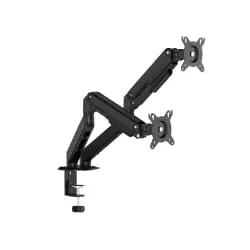
A monitor arm lets you change the height, tilt, swivel and distance of the screen. Single monitor arms are suitable for individual workstations, while a dual monitor arm or dual monitor stand can support two screens and help create a more organised setup.
Desktop monitor stands and risers
A monitor riser raises the screen without using an articulated arm. Some adjustable monitor stands offer several height settings, while others include storage space, USB connections or wireless charging to make the desk more practical and easier to organise.
Advantages of monitor stands and arms
Placing the screen at a suitable height and distance can make working at a desk more comfortable. Monitor stands and arms can also free up surface space, help organise cables and make it easier to position the screen for different tasks.
To complete a workstation used for several hours a day, you can combine your monitor stand with one of our ergonomic chairs.
How to position your monitor
Place the screen directly in front of you, with the top roughly at eye level, and maintain a comfortable viewing distance. The position should allow you to work without leaning towards the screen or tilting your head excessively.
If you use an adjustable monitor arm, adapt the height, tilt and distance to the task you are carrying out. With a fixed stand or riser, check the required height before choosing the model. Keep cables organised so that they do not restrict the movement of an articulated arm.