













 Shopping guides
 Help
Help
 Log in

How to improve ergonomics when working remotely
Article index
Working from home has many advantages: flexibility, saving time on commuting and a more comfortable environment. But it also requires looking after an aspect that often goes unnoticed: ergonomics when working remotely.
The home is not always ready for spending many hours in front of the computer. Using the sofa, the bed or an improvised chair may seem practical at first, but over time it can encourage back discomfort, neck tension, eye strain or accumulated fatigue.
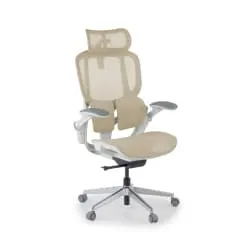
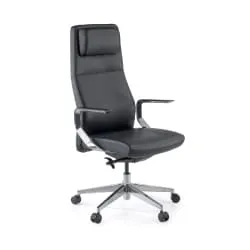
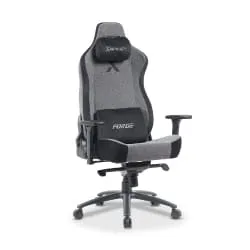
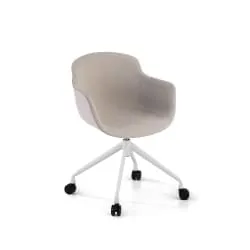
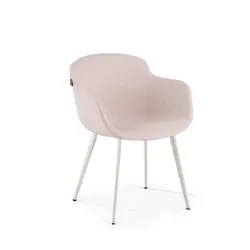
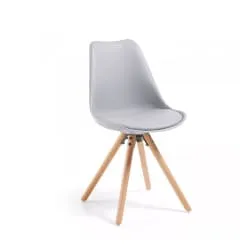
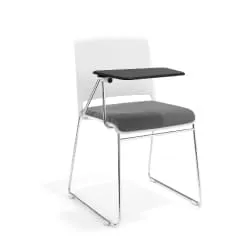
The good news is that you do not need to set up a perfect office to improve. Adjusting the chair, positioning the screen properly, checking the height of the desk and taking breaks during the day can make a big difference. If you work from home every day, choosing your home office chairs for working comfortably well can be a good first step.

Why ergonomics matters when working from home
Ergonomics is not just a matter of momentary comfort. It is key to working better, reducing discomfort and maintaining a healthier posture throughout the day.
When the workstation is not well adapted, the body compensates: you hunch your back, raise your shoulders, push your neck forward or rest your wrists badly. At first it may seem unimportant, but repeating it over weeks ends up affecting your wellbeing.
In remote work this problem intensifies because there is often no space designed for working. That is why it is worth reviewing the basic elements of the workstation: chair, desk, screen, lighting and accessories. You can also broaden this approach with these tips for ergonomics at work.

How to improve your workstation at home
You do not need to change your whole space at once. The most effective approach is to apply small adjustments and keep them over time.
Adjust the height of the screen
The monitor should be roughly at eye level to avoid tilting your neck up or down. If the screen is too low, it is common to push the head forward and strain the neck area.
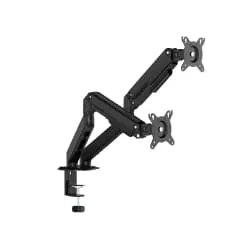
You can use a monitor stand, an adjustable arm or a stable base. What matters is that you can look straight ahead without straining your neck.
Take care of the chair position
The chair is the central element of ergonomics when working remotely. Your feet should rest on the floor, your knees at an angle close to 90 degrees and your back in contact with the backrest.
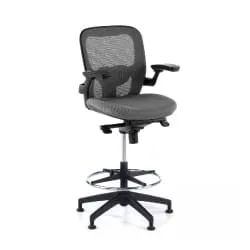
If you spend many hours sitting, it is not advisable to work in just any dining chair. Among office chairs, look for a model that allows you to adjust the height, support your back well and keep a comfortable posture throughout the day.

Maintain a good posture
The ideal posture is not a rigid position, but a comfortable posture that you can maintain effortlessly. Support your lower back, relax your shoulders and avoid leaning forward when you concentrate.
Adjust the height of the desk
Your arms should stay relaxed and at a right angle when using the keyboard and mouse. If the desk is too high, you will tend to raise your shoulders. If it is too low, you will end up hunching your back.
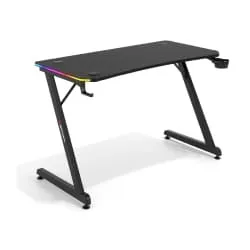
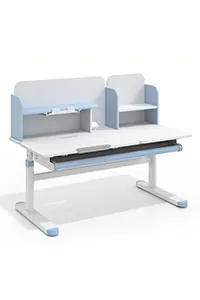
A suitable desk helps to maintain a more natural posture, especially if you work many hours. You can consider desks for remote work if you need to improve your workstation.

Screen, lighting and ergonomic accessories
Use suitable lighting
Lighting has a direct influence on visual comfort and concentration. The ideal is to combine natural light with a supporting lamp that illuminates the work area without creating annoying reflections on the screen.
Avoid working with a window right behind the monitor or with an intense light source behind you, as it can cause glare. It is also worth adjusting the screen brightness according to the ambient light to reduce eye strain.
Adjust the distance to the screen
The screen should be neither too close nor too far. As a practical reference, place it at a distance of roughly an arm's length, so that you can read the content without bringing your head closer or straining your sight.
If you work with a laptop, it is advisable to raise it and use an external keyboard and mouse. That way you can keep the screen at a suitable height without sacrificing the position of your arms, wrists and shoulders.

Take care of the keyboard and mouse position
The keyboard and mouse should be close to the body to avoid stretching your arms constantly. Ideally, your elbows should stay near your torso and form a comfortable angle, with your shoulders relaxed.
Try to keep your wrists in a neutral position, without bending them up, down or to the sides. Place the mouse next to the keyboard and at the same height to avoid uncomfortable repetitive movements.
Consider supporting accessories
Ergonomics also depends on the tools you use every day. A suitable chair, a monitor stand, a footrest or a well-adjusted desk are not simply accessories: they directly influence how you finish the working day.
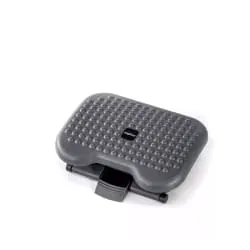
If your feet do not rest well on the floor or you feel tension in your legs, a footrest to improve your posture can help you keep a more stable position.

Habits that help you work better from home
Organise your workspace
A tidy space is not only more pleasant, it also avoids unnecessary movements. Place close to you what you use often: keyboard, mouse, notebook, charger or documents.
The less you have to stretch, turn or stand up in an uncomfortable way, the easier it will be to maintain a stable posture.
Take frequent breaks
Taking breaks during the day is as important as sitting properly. Staying many hours in the same posture encourages muscle stiffness, fatigue and loss of concentration.
Stand up every so often, walk for a few minutes, stretch your neck, shoulders and back, and take the chance to rest your sight by looking at a distant point. These small breaks help to reduce accumulated tension and maintain better performance.

Alternate positions during the day
There is no perfect posture if it is held for too many hours. That is why, in addition to sitting correctly, it is important to change position throughout the day.
You can stand up to make phone calls, walk for a few minutes between tasks or slightly adjust the tilt of the backrest. Alternating positions helps to activate circulation and reduces the feeling of stiffness at the end of the working day.
Stay hydrated and take care of your environment
Wellbeing in remote work also depends on the environment. Keep water nearby, ventilate the room and try to work in a space with a pleasant temperature and as little noise as possible.
A comfortable environment makes concentration easier and prevents you from adopting bad postures out of discomfort. Ergonomics is not only in the chair or the screen: it is also in creating a space where you can work calmly and continuously.

Work better by looking after your health
Looking after ergonomics when working remotely does not have to be complicated. The key is to detect which aspects of your workstation force you to strain your posture and correct them little by little.
Adjusting the chair, raising the screen, improving the lighting, tidying the desk and taking frequent breaks are simple changes that can help you work with more comfort.
When your space is better adapted, you not only reduce physical discomfort. You also concentrate better, get less tired and finish the working day with more energy.
If you are reviewing your whole work area, you can also get inspired by this guide on setting up a good setup for working from home.


