













 Shopping guides
 Help
Help
 Log in

Room to work from home: what it should have
Setting up a room to work from home is not just about placing a desk and a computer. For the space to be comfortable and practical, it is worth taking care of the chair, the lighting, the organisation, the internet connection and the separation between the work area and the rest of the house.
A good workspace at home should help you concentrate, keep a proper posture and have everything you need within reach. You do not need to have a large room, but it is important to make good use of the space and choose furniture suited to daily use.
In this guide we review what a room to work from home should have and how to set it up so that it is comfortable, functional and pleasant, from choosing the desk and the chair to the lighting, the tidiness and the accessories that can improve your daily routine.
Article index
- How to set up a room to work from home
- Separate the rest area and the work area
- Choose a comfortable chair to work from home
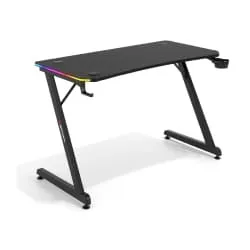
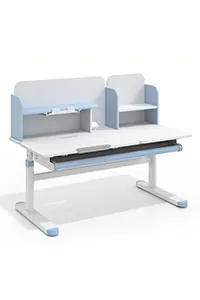
- Choose a suitable work desk
- Take care of the lighting of the space
- Prepare a suitable background for video calls
- Essential elements to work from home
- Tidiness, storage and useful accessories
- Ensure a good internet connection
- Personalisation and comfort
- Conclusion
How to set up a room to work from home
Before buying furniture or changing the decor, think about how you are going to use the room. Working a few hours with a laptop is not the same as spending the whole day in front of a monitor, with phone conversations, documents and several accessories on the desk.
The ideal is to build a clear, comfortable work area that is easy to keep tidy. To achieve this, you need a proportionate desk, a comfortable chair, good light, sockets nearby, a stable connection and some storage.
It is also worth choosing a quiet space, with as few distractions as possible. If the room is shared with other uses, such as a bedroom or a guest room, the key is to visually separate the work area so that it does not invade the rest of the environment.

Separate the rest area and the work area
If you work from a room you also use to sleep, read or store things, it is important to clearly distinguish the work area. This separation helps you concentrate during the day and switch off when you finish.
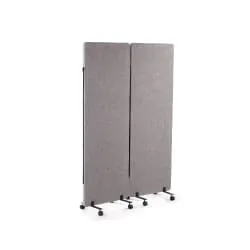
A physical division is not always needed. You can separate the work area by placing the desk next to a wall, using a rug, a low shelving unit or simply keeping the desk clear and oriented towards a specific point in the room.
It is also advisable to avoid working from bed or from an improvised seat. Although it may seem comfortable at first, in the long run it makes it harder to keep a proper posture and mixes rest too much with work.
Practical tip: at the end of the day, put away the computer, tidy the desk and leave the space ready for the next day. That small routine helps mark the end of work.

Choose a comfortable chair to work from home
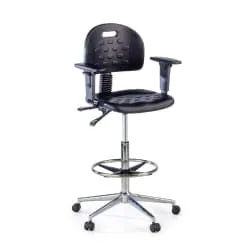
The chair is one of the most important elements in any room to work from home. If you are going to spend several hours sitting, you should not use a dining chair, a decorative chair or any seat that is not designed for working.
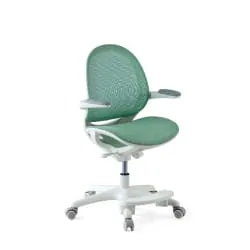
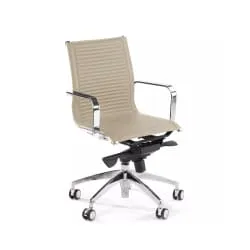
A good chair should allow a comfortable posture, have adjustable height, a stable backrest and a seat suitable for daily use. If you work many hours, it is also advisable to consider the lumbar support, the armrests and breathable materials.
Home office chairs are designed precisely for this type of use: working from home comfortably, without taking up more space than necessary and keeping a more suitable posture throughout the day.
If you want to compare specific models before deciding, you can also check our guide with the best ergonomic chairs for working from home.
Practical tip: if you work every day, prioritise a comfortable and adjustable chair over a chair chosen for aesthetics alone.

Choose a suitable work desk
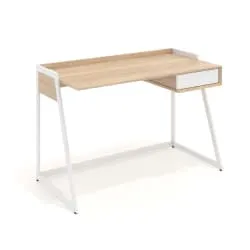
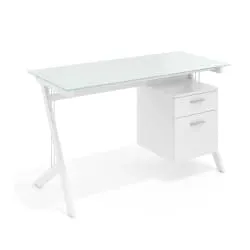
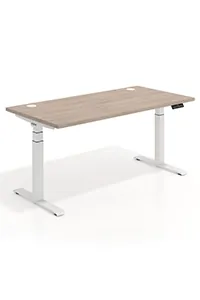
The desk should adapt to the available space and the type of work you do. If you only use a laptop, you can work with a compact desk. If you use a monitor, keyboard, mouse, documents or a lamp, you will need a larger surface.
In small rooms, it is best to choose a desk with simple lines, proportionate measurements and no overly bulky elements. A desk that is too large can make the space uncomfortable, while one that is too small can limit your productivity.
It is also important to check the height of the desk. It should let you work with your arms in a comfortable position and keep the screen at a suitable height. In our desks category you can find options for different workspaces.
Practical tip: leave enough space to move the chair backwards and stand up without hitting the bed, the wall or a nearby piece of furniture.

Take care of the lighting of the space
Good lighting helps you work better and reduces eye strain. Whenever you can, place the desk near a window to make the most of natural light, but prevent the screen from receiving direct reflections.
In addition to natural light, it is worth having a desk lamp that lights the work area well. The light should be enough to read, write and work comfortably, but without being too intense.
If the room is dark, combine general light with a spot light over the desk. This improves the sense of spaciousness and prevents all the lighting from depending on a single source.
Practical tip: place the light to the side if you write by hand or work with documents, to avoid uncomfortable shadows on the desk.

Prepare a suitable background for video calls
If you hold online meetings, the background that appears behind you is also part of the workspace. It does not have to be perfect, but it is worth it being tidy, well lit and free of overly personal or messy elements.
A clean wall, a tidy shelving unit, a plant or a simple print can work very well as a background for video calls. The important thing is to convey a careful image without overloading the space.
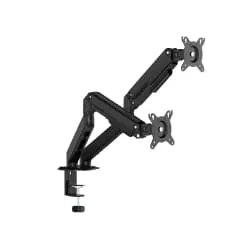
You should also take into account the position of the camera. Ideally your face should be well lit and the screen at a comfortable height. To achieve a more suitable posture, using a stand to raise the monitor or the laptop can help.
If you work with an external screen, you can check our monitor stands category to improve the viewing height and free up space on the desk.
Practical tip: before an important meeting, check how the background looks and remove from the image any object that generates visual noise.
Essential elements to work from home
These are some of the elements that most influence the comfort and functionality of a room to work from home.
| Element | What it is for | Practical tip |
|---|---|---|
| Comfortable chair | Keeping a more suitable posture throughout the day. | Look for adjustable height, a comfortable backrest and materials suited to daily use. |
| Proportionate desk | Working with a computer, documents and accessories without cluttering the space. | Choose the size according to the equipment you use and the real space of the room. |
| Good lighting | Improving concentration and reducing eye strain. | Combine natural light with an adjustable desk lamp. |
| Storage | Keeping the desk clear and the work material organised. | Use drawer units, shelves or compact auxiliary furniture. |
| Stable connection | Avoiding interruptions in video calls, downloads or online tools. | Place the router nearby, use repeaters or consider a wired connection if you work many hours. |

Tidiness, storage and useful accessories
Tidiness is key when you work from home. A desk overloaded with papers, cables or accessories can make the space seem smaller and make it harder to concentrate.
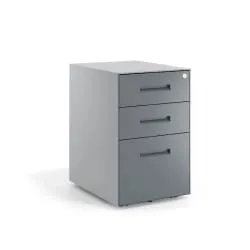
To avoid this, use drawer units, organisers, trays, boxes or shelves. Desk drawer units are especially practical because they let you store documents, office material and accessories without taking up too much surface.
You can also improve comfort with accessories such as a footrest, a monitor stand, a wide mat or a cable organiser. They are small elements, but they can make the workstation much more comfortable.
If you notice that your feet do not rest well on the floor or that the posture is not quite comfortable, you can consider using a footrest.
Practical tip: leave on the desk only what you use every day. Everything else should have a storage place.

Ensure a good internet connection
A room to work from home should also be prepared on a technical level. A poor connection can affect video calls, work platforms, file downloads or collaborative tools.
If the router is far away, you can use a WiFi repeater, a mesh system or a wired connection. The latter is usually the most stable option if you work many hours or hold frequent online meetings.
It is also worth checking that you have enough sockets near the desk to connect a computer, monitor, charger, lamp and other devices without filling the floor with cables.
Practical tip: use power strips with protection and organise the cables to avoid tripping and keep a cleaner image of the space.

Personalisation and comfort
Working from home does not mean building a cold or impersonal space. Adding a few details can make the room more pleasant and help you feel better during the day.
Small plants, a print, a decorative lamp, a rug or desk accessories can bring warmth without overloading the environment. The key is to choose few elements and keep a tidy aesthetic.
It is also important to take care of the temperature and the ventilation. A room that is too cold, hot or poorly ventilated can affect concentration and daily comfort.
If your workspace is very small, you can complement this guide with our article about decorating a small office, where we explain how to make better use of the space without overloading it.
Practical tip: personalise the room, but prevent the decor from competing with the functionality of the workspace.
Conclusion
A room to work from home should be comfortable, tidy and functional. The chair, the desk, the lighting, the storage and the internet connection are essential elements to build a space where you can work better every day.
You do not need to have a large room or a separate study. With a good layout, proportionate furniture and a few useful accessories, you can transform a simple room into a practical and pleasant work area.
Before setting up your space, think about your hours of use, the equipment you need, the available space and the level of comfort you are looking for. If you need help choosing a seat, you can check our guide on how to choose an office chair.


