













 Shopping guides
 Help
Help
 Log in

Office chairs good for your back: buying guide
Choosing a chair that is good for your back is not just about picking a model that looks comfortable at first glance. If you work many hours sitting down, the chair should help you keep a stable posture, follow the natural movement of the body and offer support in the areas that tend to be most strained: the lower back, neck, shoulders and hips.
A good office chair for your back should adapt to you, not the other way around. That is why it is worth paying attention to its adjustments, the type of backrest, the seat height, the armrests, the materials and the lumbar support. It is also important to combine it with a proper posture and short breaks throughout the day. If you want to expand on this point, you can check our guide on how to sit correctly at work.
Below, we review what a chair should have to look after your back and which models may fit depending on how you work, study or play.
Article index
Best chairs for back pain
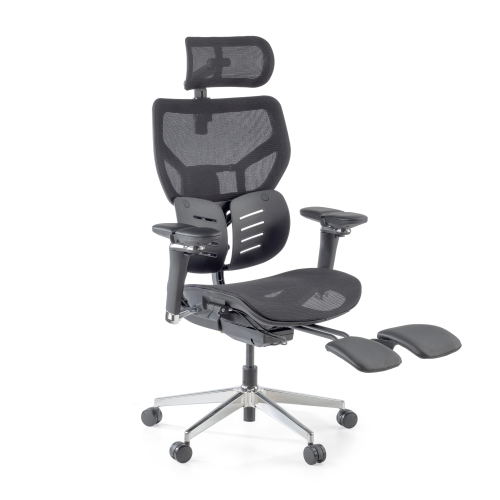
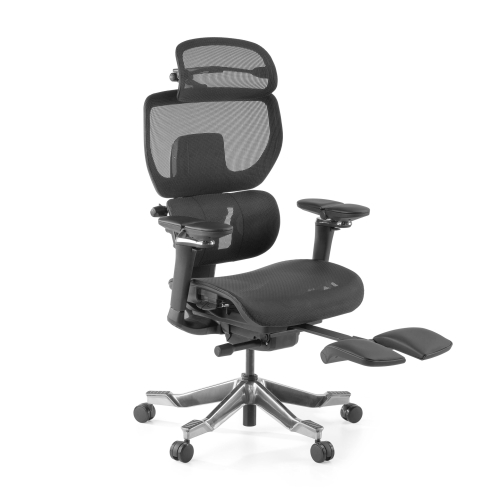
Before choosing a model, think about your main use: office work, working from home, studying, gaming or intensive days. These are some examples of chairs that can fit different needs.

Advantages of choosing an ergonomic chair for your back
A well-chosen ergonomic chair can make the difference when you spend several hours a day in front of the computer. Its main advantage is that it lets you adjust your posture more precisely: seat height, backrest tilt, lumbar support, armrests and, in some cases, seat depth.
This helps to better distribute the body's weight and prevents all the pressure from falling on the lower back or the legs. It also allows you to keep your shoulders more relaxed and work with your arms at a comfortable height, something important if you spend a lot of time using a keyboard and mouse.
Another benefit is that an adjustable chair encourages movement. It is not about sitting rigidly for eight hours, but about being able to change your posture slightly without losing support. A reclining or tilting backrest, for example, can help you alternate moments of concentration with small breaks to release tension.
If you are looking for an option ready for long days, you can review our selection of ergonomic chairs with lumbar support, especially designed to adapt the seat to the body and improve comfort during daily use.

Tips for buying a chair that is good for your back
Before buying, it is worth assessing how you are going to use the chair. Someone who sits for two hours to study does not need the same as someone who works from home all day or who is looking for a chair for intensive professional use.
Ergonomic design
A chair that is good for your back should have a design that makes a natural posture easier. This means that your back can rest fully, that your feet reach the floor or a footrest, that your knees stay in a comfortable position and that your arms rest without lifting your shoulders.
It is not enough for a chair to be advertised as “ergonomic”. What matters is that it includes real and easy-to-use adjustments. To go deeper into this point, you can read our guide to choosing an ergonomic chair.

Lumbar support
Lumbar support is one of the most important elements. It should follow the natural curve of the back and offer support in the lower back area, which tends to be one of the most strained when sitting for hours.
The ideal is to choose a chair with adjustable lumbar support or, at least, with a shape that cradles the lower back well. If the support is too high, too low or too far from the body, it can be uncomfortable.

Adjustable arms
Armrests help to release tension in the shoulders, neck and forearms. For them to be useful, they should allow your elbows to stay close to the body and your shoulders to remain relaxed.
If the arms are too high, they can push your shoulders upwards. If they are too low, you may end up leaning forward. That is why, in an office chair for your back, adjustable armrests are an important improvement, especially if you work many hours at the computer.

Adjustable height
The seat height should allow your feet to rest well on the floor and your knees to form a comfortable position, without excessive pressure on the back of the thighs.
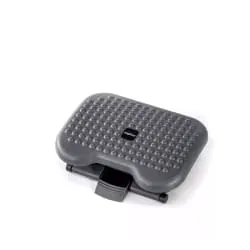
If the chair is too high and your feet do not reach the floor, you can make up for it with an adjustable footrest. It is a simple solution to improve support and prevent your legs from being under tension.

Tilt mechanism
The tilt, rocking or reclining mechanism lets you slightly vary your posture and release tension from the lower back at certain moments of the day. This movement is useful because sitting for many hours in the same position can increase the feeling of stiffness. It is not about reclining excessively while you work, but about having a chair that allows small changes of posture without losing support.
The most recommended mechanisms are those that let you adjust the backrest tension and fix the tilt in place when you need it. This way you can adapt the chair to your weight, your way of sitting and the type of task you are doing. If you want to better understand the differences between each system, you can check our guide on types of office chair mechanisms.

Adjustable backrest
The backrest is one of the most important points when choosing a chair that is good for your back. Not everyone has the same height or the same lumbar curve, which is why it is advisable that the backrest can be adjusted in height or, at least, that the lumbar support is well aligned with the lower back.
A backrest that is too low can leave the upper back area without support, while a poorly positioned one can push the back into an uncomfortable position. If it is an office chair for daily use, the ideal is that it follows the natural curve of the spine and lets you rest your back without hunching your shoulders or pushing your neck forward.

Lumbar and neck cushions
Integrated lumbar support is usually the best option, but in some cases it may be useful to add a lumbar cushion. This can help you if your current chair does not cradle the lower back well or if you notice that you end up hunching after several hours sitting.
That said, the cushion must be placed correctly. If it is too high or too thick, it can force your posture instead of improving it. The ideal is that it fills the natural space between the lower back and the backrest, without pushing the body forward. If you want to go deeper, in this article we analyse when to use lumbar cushions and supports.

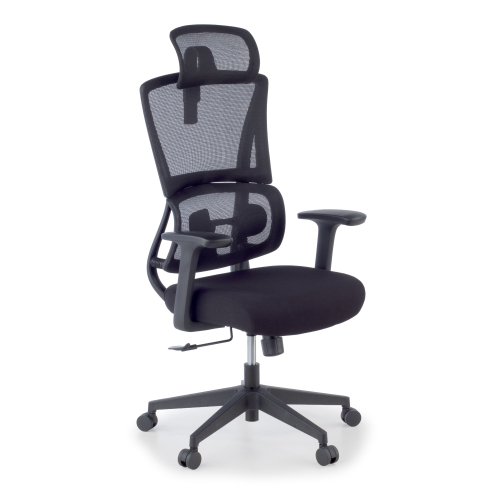
Orbit Gaming Chair with lumbar support and reclining backrest
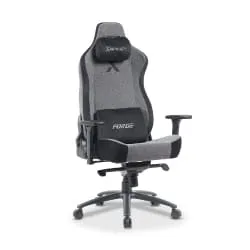
Ergonomic desk chair, Orbit model. The adjustable lumbar support provides dynamic support that follows the movement of the body, keeping the lower area correctly aligned throughout the day. This structure favours a healthy posture, reduces pressure on the back and improves comfort during prolonged use. Orbit adapts both to moments of intense concentration and to active breaks, offering a balanced and professional ergonomic experience.

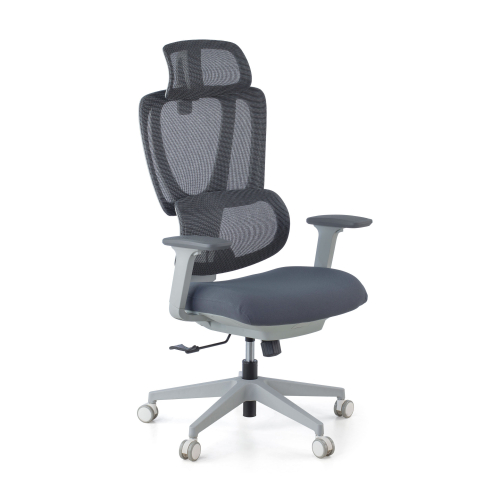
Essenza Ergonomic Office Chair
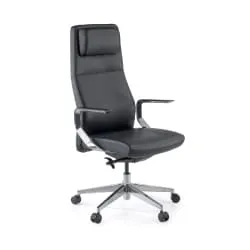
If you want to improve your back problems or simply prevent them, the Essenza ergonomic chair is the solution you were looking for. One of its most notable features is its adjustable lumbar support, designed to prevent discomfort in the lower back. Thanks to its sliding system in 3 positions with up to 30 mm of depth, it adapts precisely to each user.

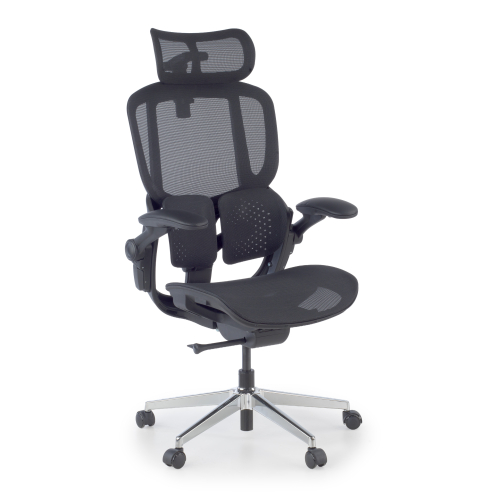
Erghos One Desk Chair with double lumbar support
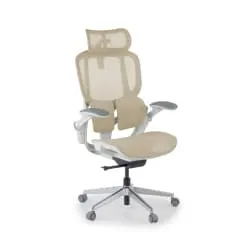
Erghos One is the solution to work with greater comfort and productivity, reducing fatigue even on long days. It features an innovative double lumbar support system with floating wings that dynamically adapts to the natural curve of the back. This system not only follows the natural movement of the body, but also lets you adjust the intensity of the lumbar pressure in a personalised way, guaranteeing an experience fully adapted to each user.

X3 Classic ergonomic orthopaedic chair
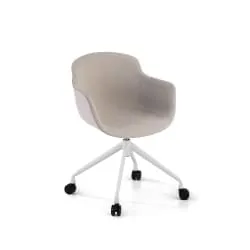
The X3 Classic ergonomic chair is designed to provide optimal comfort and look after your spinal health. Its backrest with four independent panels automatically adjusts to your body's movements, offering personalised support at every point of the back. Ideal both for the office and for gaming, it improves your posture and reduces fatigue during long days.
Final checklist before buying
Choosing a chair that is good for your back does not depend on a single detail, but on the combination of several elements: a backrest that follows your posture well, correct lumbar support, a suitable height and adjustments that let you adapt the chair to your body. Before you decide on a model, review these basic points to make sure it fits your real hours of use and the way you work each day:
- ✓Backrest: cradles the lower back well.
- ✓Seat height: adapts to your body and your desk.
- ✓Armrests: are adjustable or sit at a comfortable height.
- ✓Seat: does not press on the back of the knees.
- ✓Material: is breathable and durable.
- ✓Base: is stable and the wheels are suitable for your floor.
- ✓Real use: the model is designed for the real hours of use you need.


.jpg)