




















 Shopping guides
 Help
 Log in

Good practices for efficiently organising a company’s files
Article index
Organising of a company's files may seem like a simple task, right? However, if not done properly, chaos can reign in your office. Loss of documents, wasted time, and delayed decisions are just some of the consequences. That's why I will explain how to efficiently and securely order files in a company. Let's explore best practices, types of files, and some tools you can use. Don't miss it!
How to organise physical documents
Despite the digital age we live in, many companies still deal with physical documents. Although keeping certain papers on file is necessary, organising them can quickly become a real headache. So, where should you begin?
Digitise whenever possible
The first question you should ask yourself is: Do I really need this file in physical form? Digitisation is the most practical solution. It not only saves space but also facilitates access and improves security. You can use scanners or mobile apps to turn those papers into digital files. Additionally, cloud platforms like Google Drive or Dropbox allow you to store, categorise, and search documents in seconds.
Use file cabinets
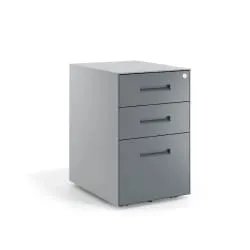
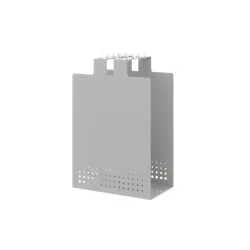
If you need to keep physical documents, the best way is to classify them in file cabinets. These are ideal for maintaining order and protecting important papers. You can classify them by departments, dates, or types of files in a company. If you want to know more, check out this article on the use of file cabinets.
Desktop drawers
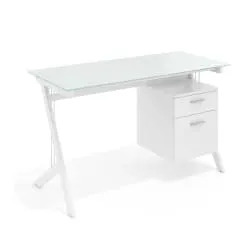
Another excellent tool is desktop drawer. These allow you to store documents that you use frequently without having them scattered across your desk. Imagine a drawer as a mini library: each document has its place, and you find everything quickly.

How to organise a company's documents and files efficiently and securely
Now that you have physical files under control, let's talk about more general strategies. Did you know that efficient document organisation can improve your team's productivity? That's right, less time searching for papers means more time doing important things.
Classification of files in the company
How are files classified in a company? There are different classification methods, and the best is to choose one that suits your needs. You can classify company files by date, department, category, or alphabetically according to what works best for your firm.
Establish a labelling system
Labelling is the key to not losing documents. Use clear and easy-to-understand labels. For example, if you are arranging invoices, you can name them like this: Invoice_Client_November_2024. This system makes searching easier and avoids confusion.
Backups
Making backups of your digital files is essential. A human error or a technical failure can erase essential documents. So invest in an automatic backup system and store copies in the cloud or external devices.
Define access levels
Not all files should be available to the entire team. For example, accounting documents or legal contracts should have restricted access. Use digital tools that allow you to assign permissions based on each employee's role.
Have a comfortable office chair
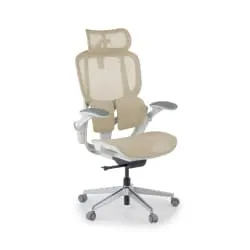
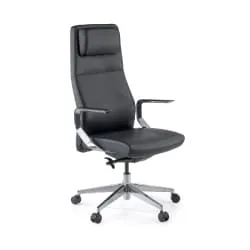
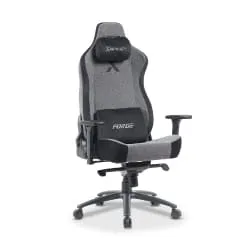
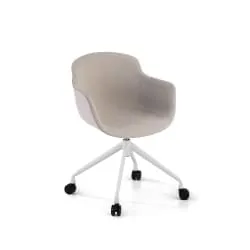
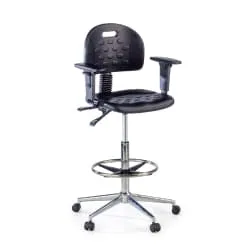
Yes, this also matters. Sometimes it all starts with how you feel in your workspace. A gray office chair not only improves aesthetics but also your comfort, allowing you to focus on important tasks like organising a company's files.
Organising a company's files doesn't have to be a tedious process. By following these good practices, you can maintain order in both physical and digital documents. Digitise whenever possible, use file cabinets and drawers, classify your files, and protect your information with backups and secure systems. In the end, good organisation not only saves time but also money. So let's get to work! Your office will be perfect.


