













 Shopping guides
 Help
Help
 Log in
Desk Dividers
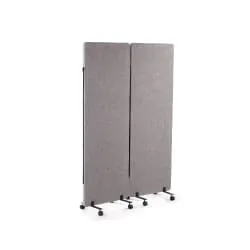
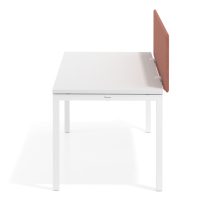
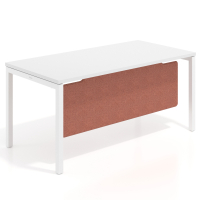
Improve privacy and comfort at each workstation with our desk dividers. Choose from acoustic desk screens, front and side panels, modesty panels and freestanding office screens to separate different work areas.
These products are part of our desk accessories range and allow desks to be adapted to open-plan offices, shared areas and spaces where users need greater separation.
 All filters
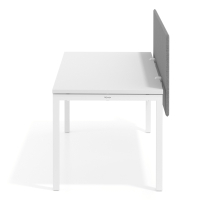
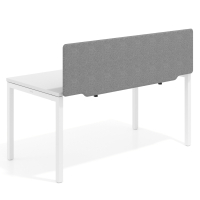
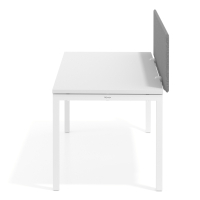
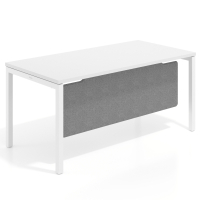
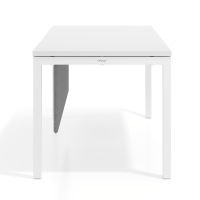
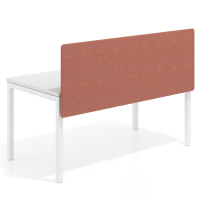
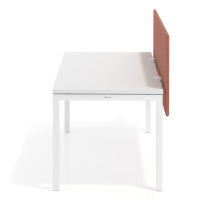
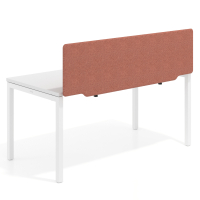
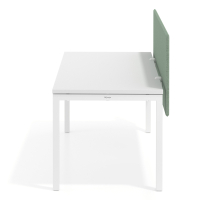
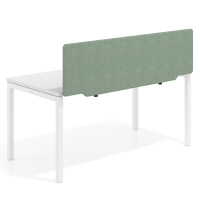
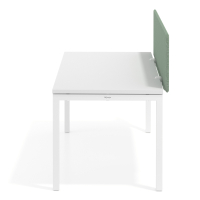
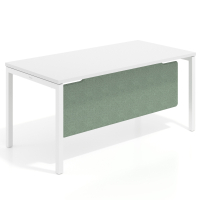
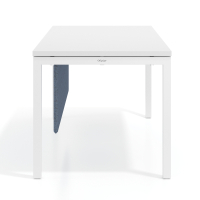
More privacy and comfort at every workstation
Desk dividers and office screens make it possible to separate workstations without installing permanent partitions. They are particularly useful on shared desks, in open-plan offices and in areas where several people work close to one another.
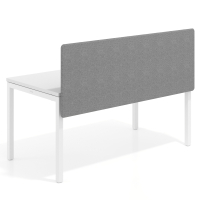
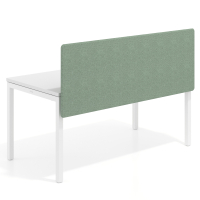
As well as providing visual privacy, acoustic desk screens help to absorb some of the noise and reverberation in the surrounding area. They do not fully soundproof the space, but they help reduce distractions and create a more comfortable working environment.
Types of desk dividers
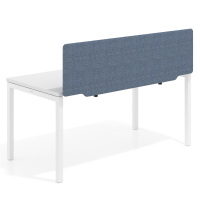
Acoustic desk screens
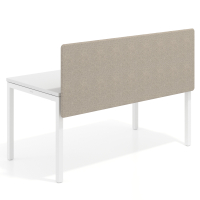
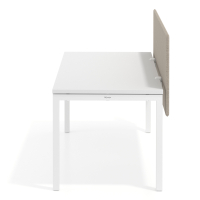
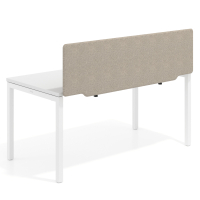
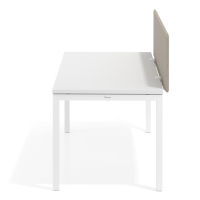
These screens are mounted on the desktop and create a front partition between facing workstations. They can also be used on individual desks to define the workspace and support concentration. Before choosing a model, check its width, height, thickness and fixing system.
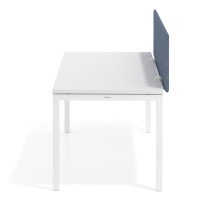
Front and side desk dividers
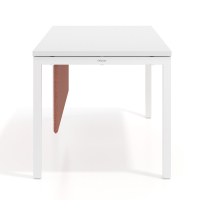
Front dividers separate workstations that face one another, while side dividers provide privacy between neighbouring users or from nearby walkways. On multi-user desk configurations, they can be combined to create more clearly defined workspaces.
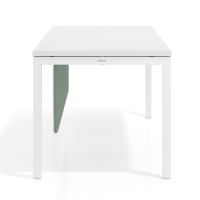
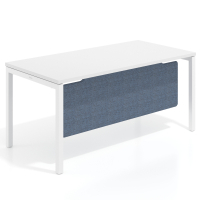
Desk modesty panels
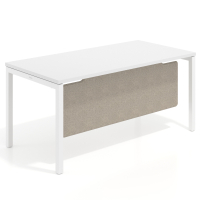
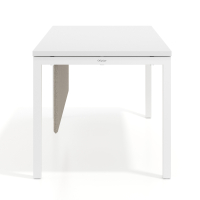
Modesty panels are fitted underneath the desktop to cover the lower part of the desk and provide greater visual privacy. They are suitable for private offices, reception workstations and desks positioned in open spaces.
What to consider before buying
- Dimensions: check that the width of the divider is suitable for the desktop and the area you want to cover.
- Position: decide whether you need a front screen, side divider, modesty panel or a combination of several elements.
- Desk type: choose a model designed for individual workstations or multi-user configurations.
- Fixing system: check whether the divider uses permanent fixings, clamps or a movable system that allows its position to be changed.
- Acoustic comfort: if you want to reduce noise-related distractions, prioritise models specifically designed as acoustic desk screens.
If you are installing the divider on a height-adjustable desk, check that the fixings are compatible and do not interfere with the movement of the desktop.
How to configure individual and shared workstations
At an individual desk, a front screen is usually sufficient, although a side divider can be added when the workstation is next to a walkway or another desk. In multi-user configurations, central panels separate users who face one another, while side panels define the ends of each work area.
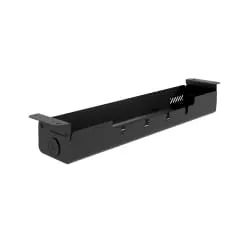
To complete your desk organisation, you can install cable trays underneath the desktop and use monitor stands to free up space and position the screen at a more comfortable height.