













 Shopping guides
 Help
Help
 Chat
Chat
 Log in
 Change country
Desk accessories
Complete your workspace with desk accessories designed to provide more order, comfort and available space. You’ll find monitor arms and stands, cable management solutions, cable trays, desk dividers and footrests to adapt your desk to the way you work.
Raise your screen with our monitor stands, organise the cables and improve leg support with a footrest. Choose each accessory according to the dimensions of the desk, the mounting system and the equipment you use.
 All filters
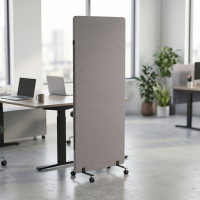
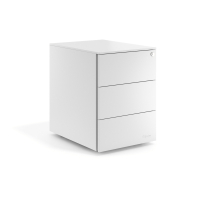
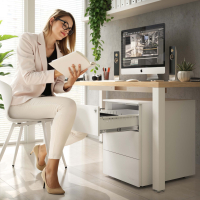
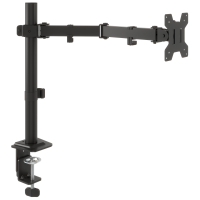
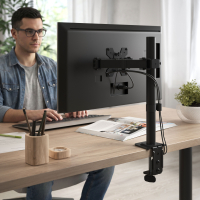
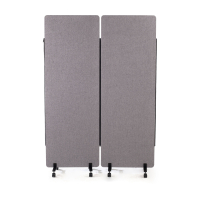
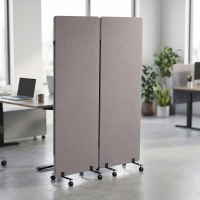
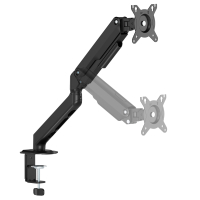
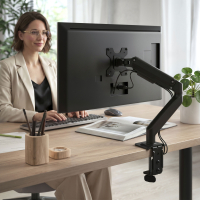
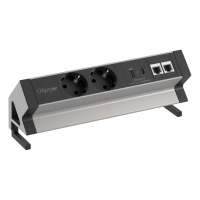
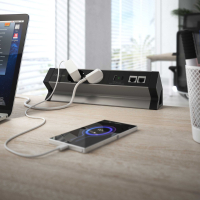
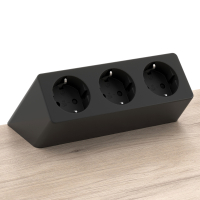
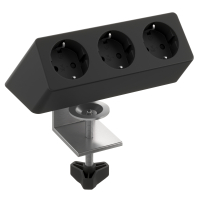
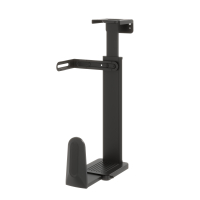
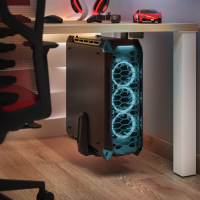

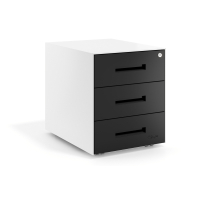
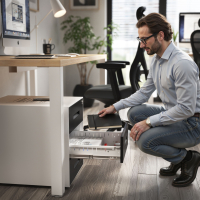
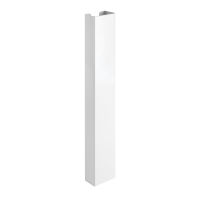
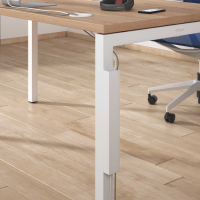
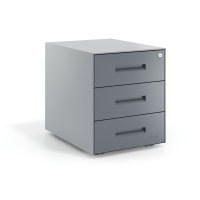

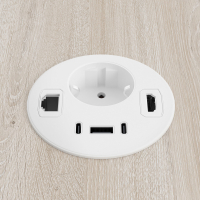
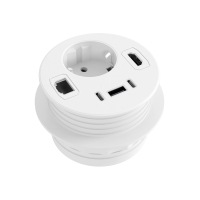
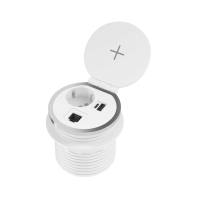
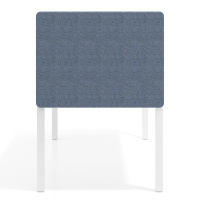
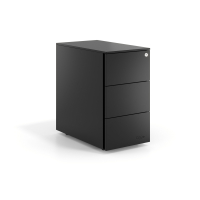
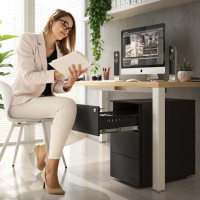
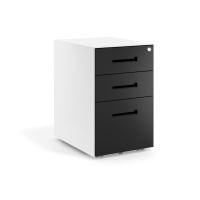
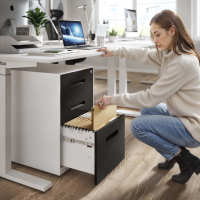
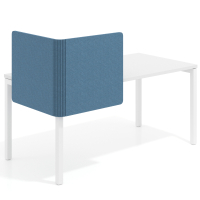
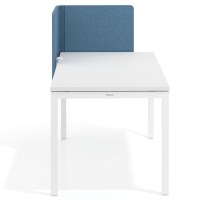
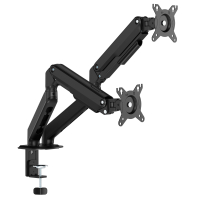
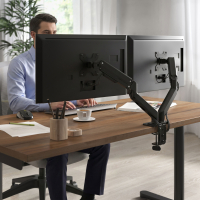
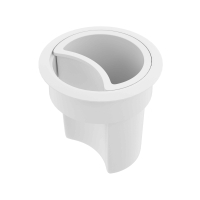
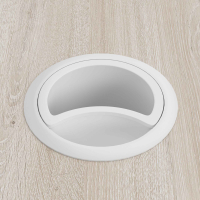
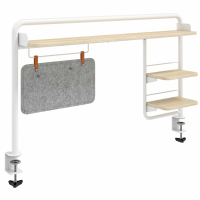
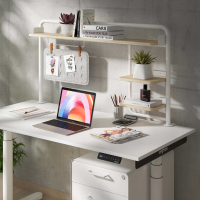
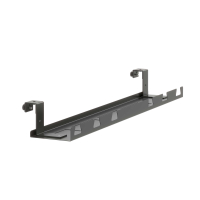
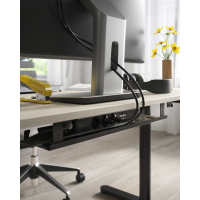
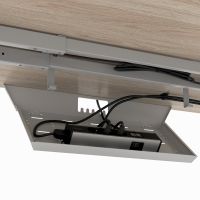
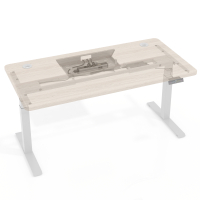
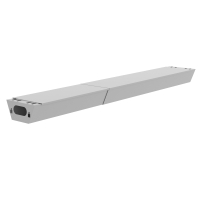
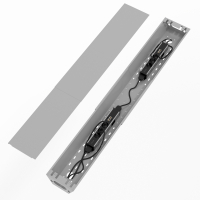
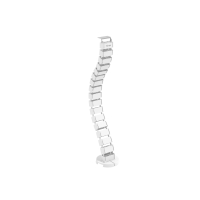
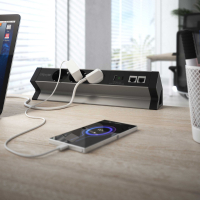
Buy desk accessories to work more comfortably
Desk accessories let you improve a workstation without having to replace all the furniture. Use them to position screens more effectively, keep cables off the worktop, define shared workstations or provide more comfortable support for your feet.
Before choosing, consider what you need to improve and check the available dimensions. The accessory must be compatible with the desk, computer equipment and layout of the space.
Which desk accessories should you choose?
Monitor stands and arms
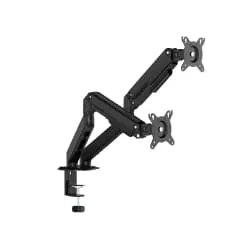
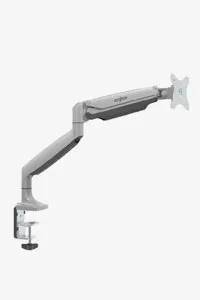
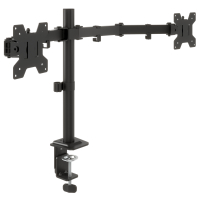
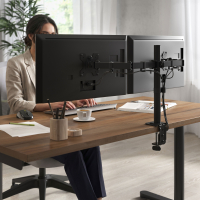
Desktop monitor stands raise the screen and can leave free space underneath, while articulated arms allow you to adjust its height, tilt, swivel and distance. Models designed for one or two screens are also available.
Check the supported screen size and weight, VESA compatibility and mounting system. If the arm uses a clamp, also check the thickness of the desktop and the available space underneath.
Cable grommets and cable trays
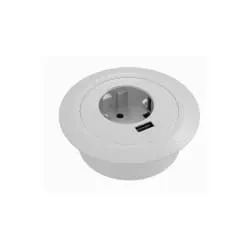
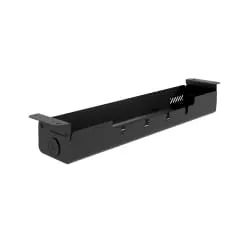
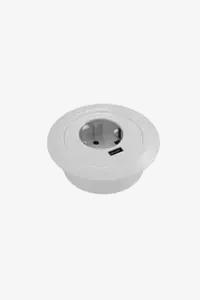
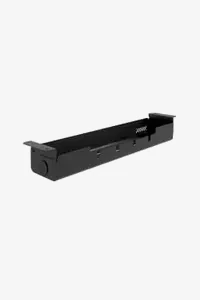
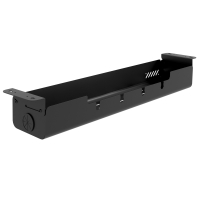
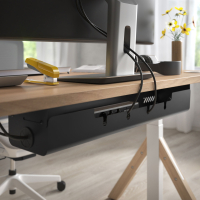
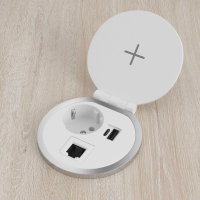
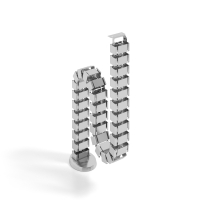
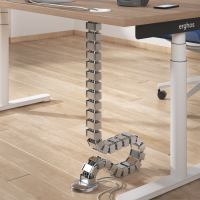
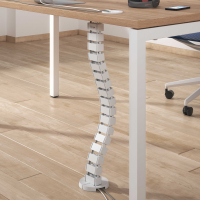
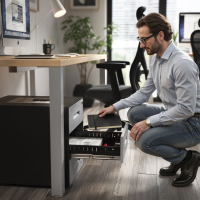
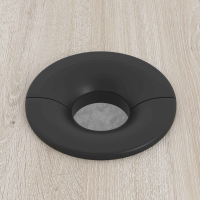
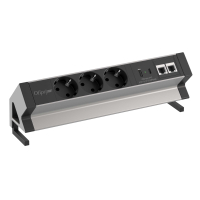
Cable grommets route connections through the desktop so that they do not run across the surface. Cable trays are installed beneath the desk and hold cables, power strips and excess cable length, leaving the workspace clearer.
To choose correctly, check the diameter of the opening for cable grommets and the length, depth and mounting method of the trays. It is also advisable to plan where the computer, screens and sockets will be located before installation.
Desk dividers
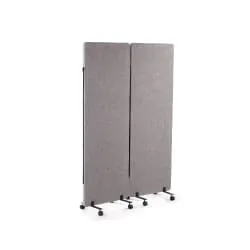
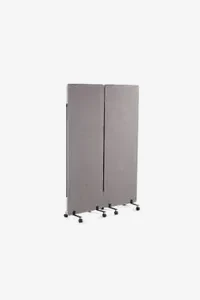
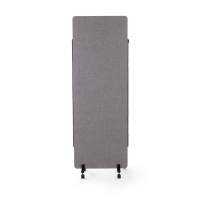
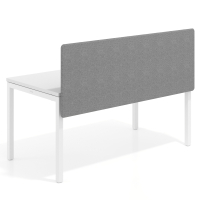
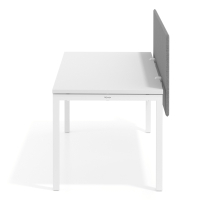
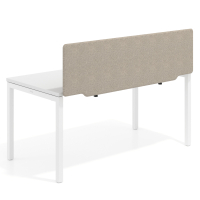
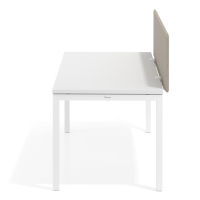
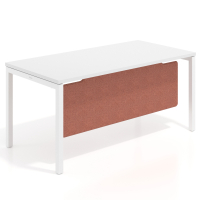
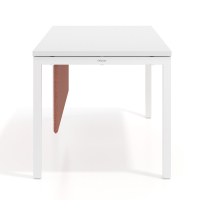
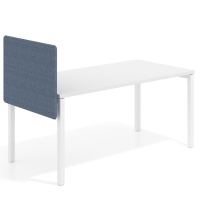
Divider panels help define each workstation and provide greater visual privacy, especially on shared desks and in open-plan offices. Before buying, measure the width of the area you want to cover and check the height, thickness and mounting system of the panel.
Desk footrests
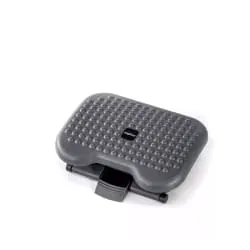
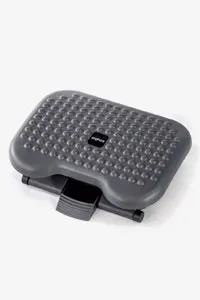
A footrest is useful when your feet do not rest comfortably on the floor or when you want to change the position of your legs during the working day. Compare the dimensions of the support surface, its angle, the available adjustments and the stability of the base.
How to create a complete workstation
Start by choosing a desk with enough space for your computer, screens and the items you use every day. Then add only the accessories that address a specific need, preventing the worktop from becoming overcrowded.
If you use one of our height-adjustable desks, make sure the cables are long enough to follow the desk throughout its entire range of movement and that the trays or supports do not interfere with the movement of the frame.
To equip home offices, professional offices or multiple workstations, see our selection of office furniture.
What to check before buying
- Measure the width, depth and thickness of the desktop.
- Check compatibility with screens and other devices.
- Review the mounting system and the space required beneath the desk.
- Plan the cable route to the power sockets.
- Leave enough space to move the chair and your legs.